Gamification Field Trip

Gamification Field Trip
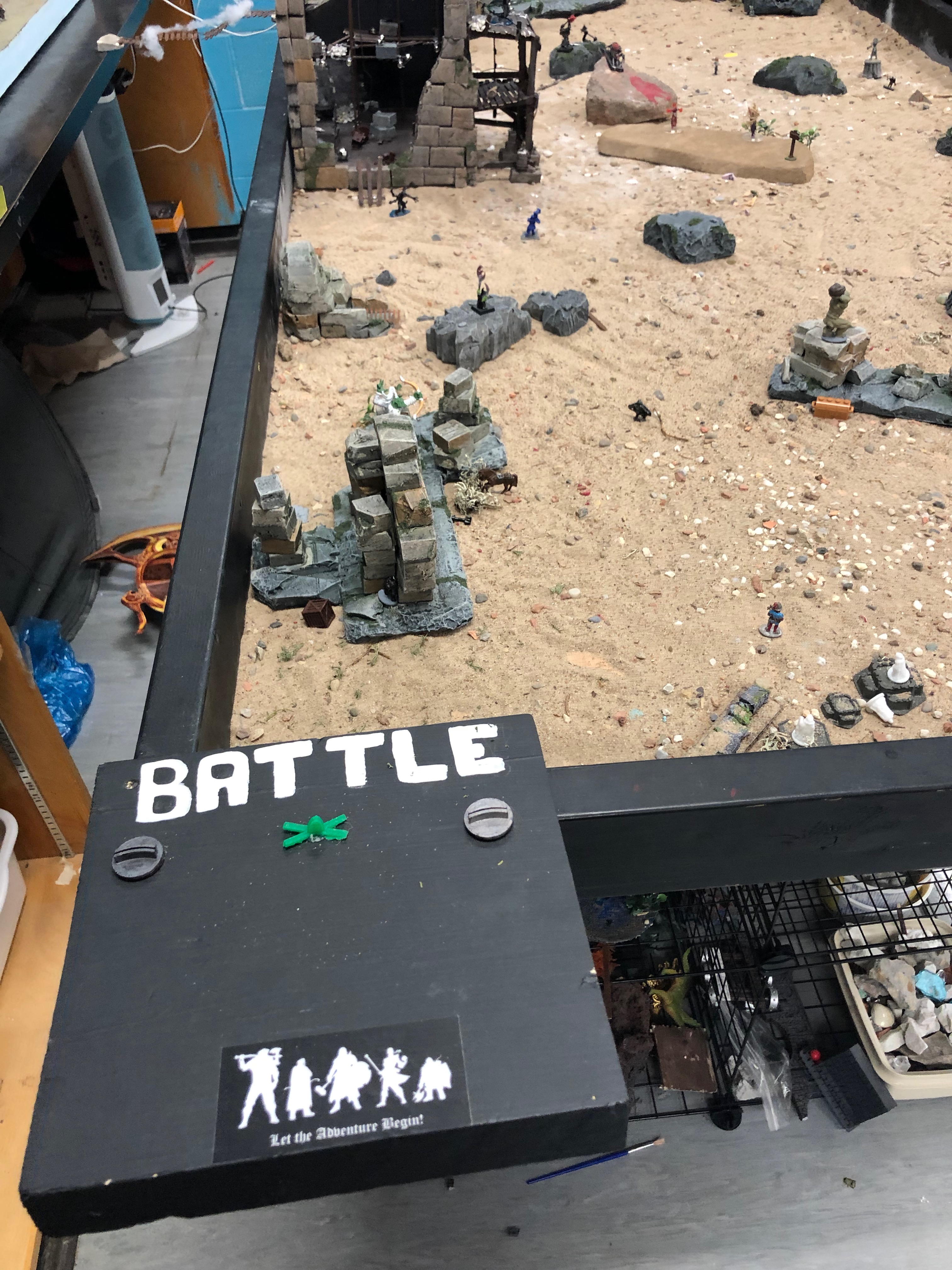
The Battle for Scientia Terra

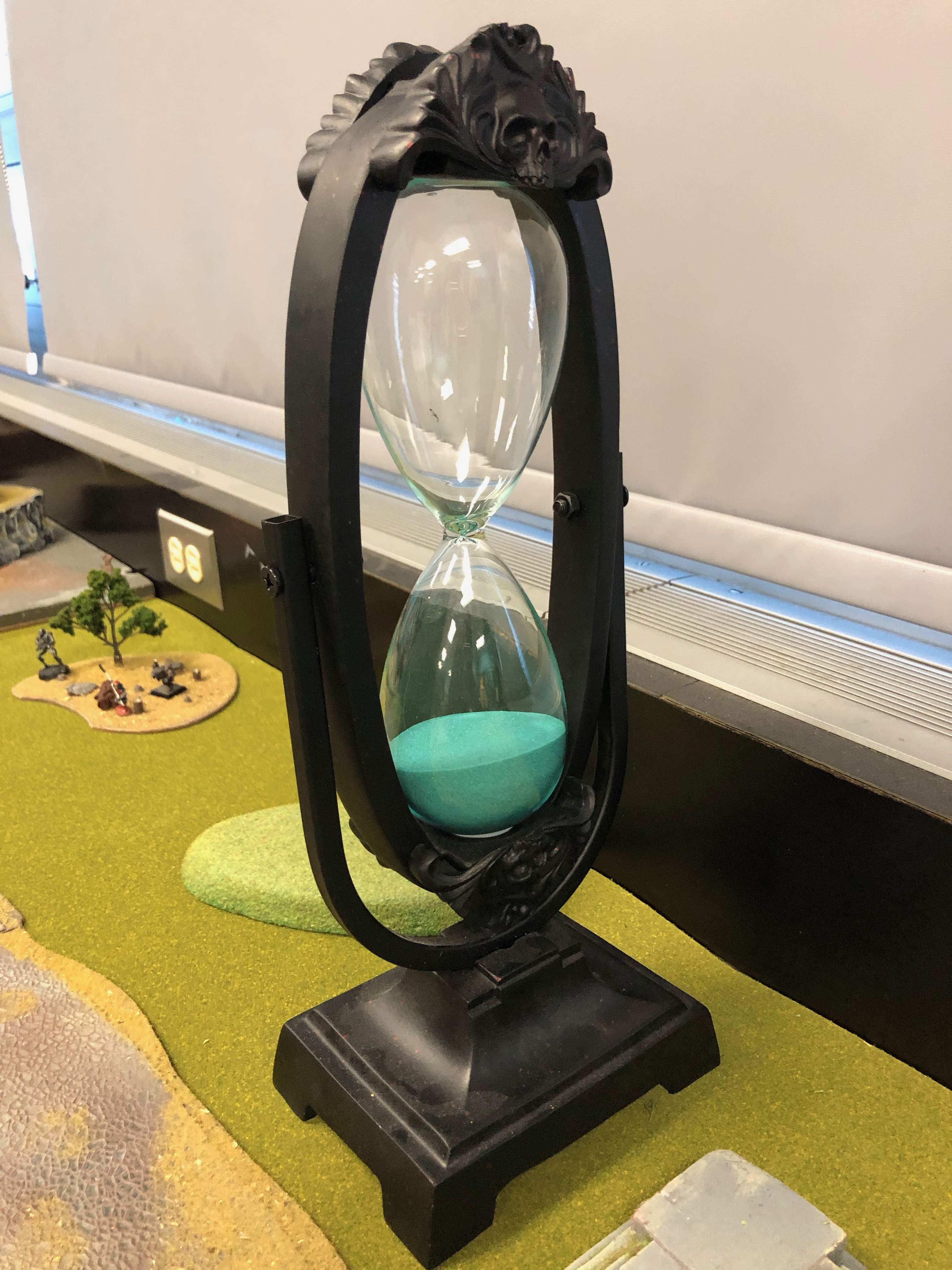
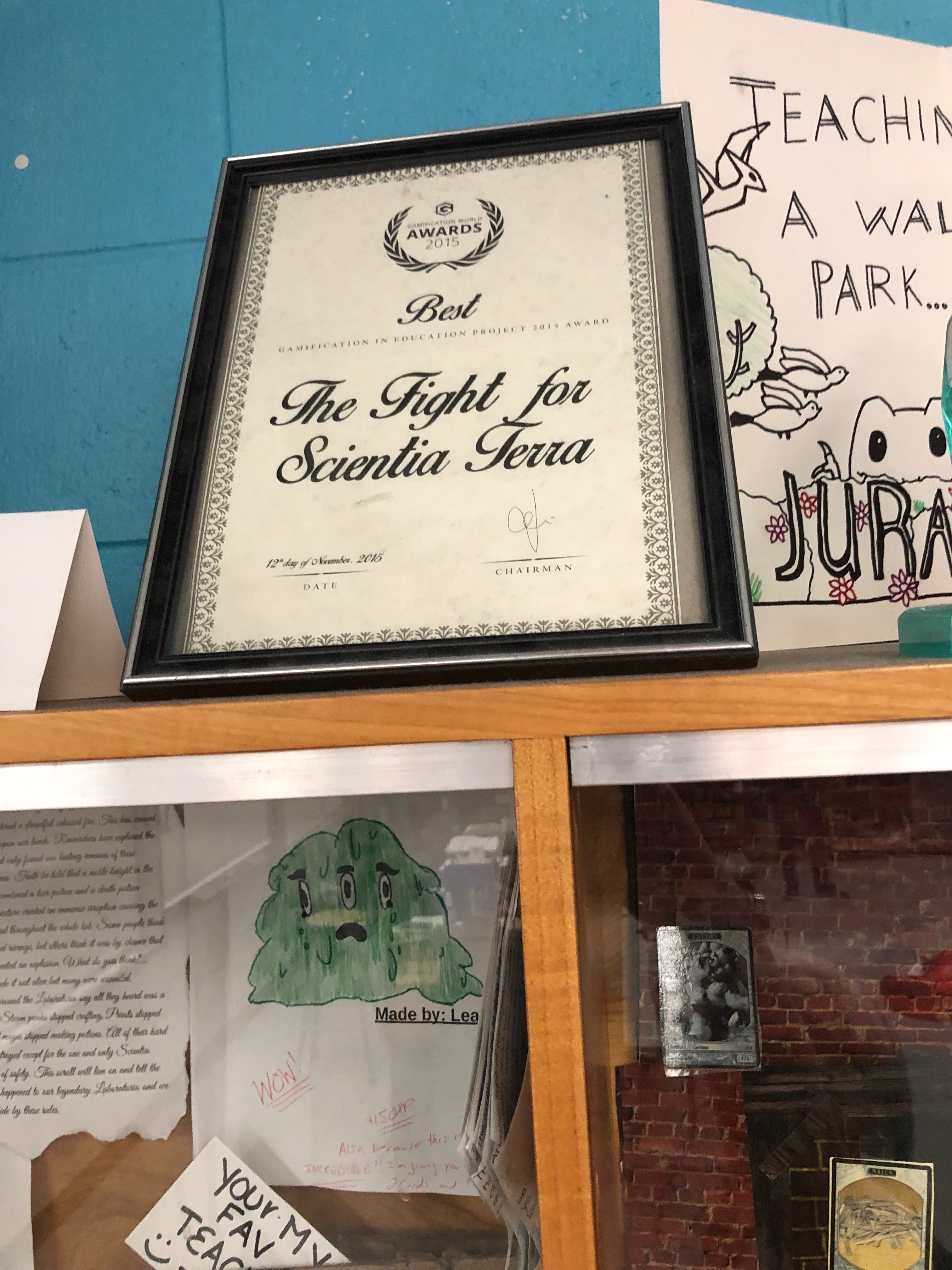
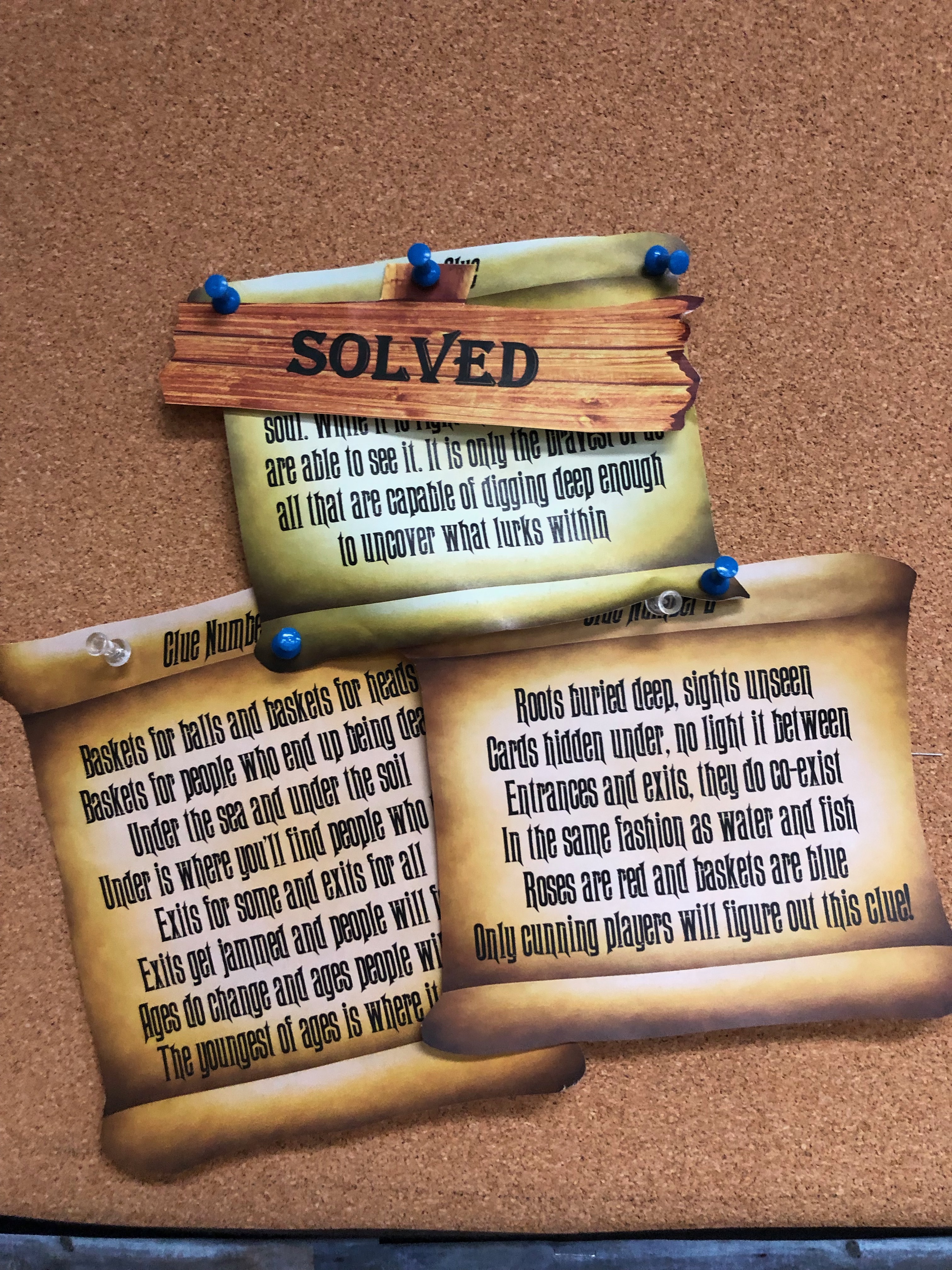
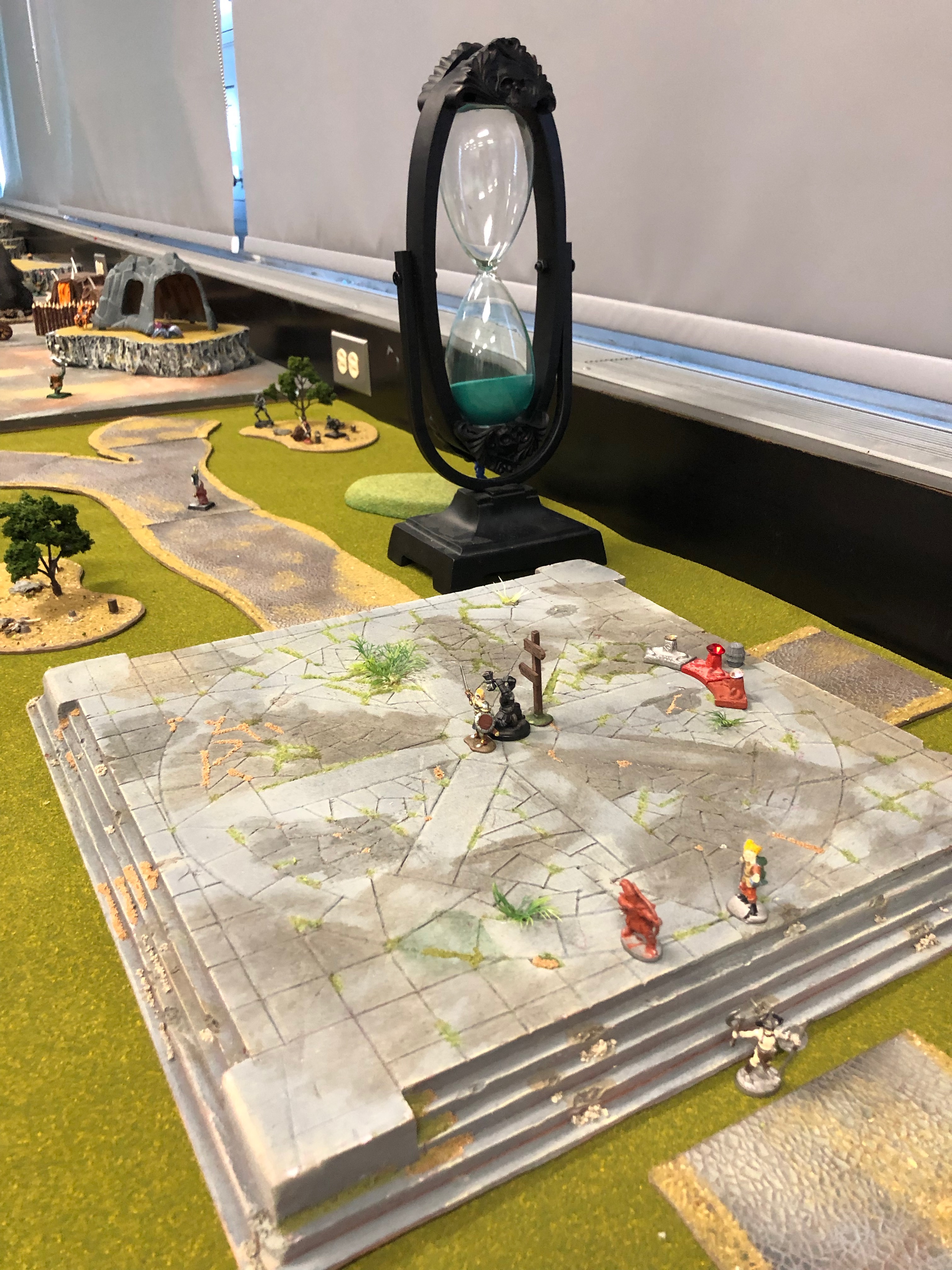
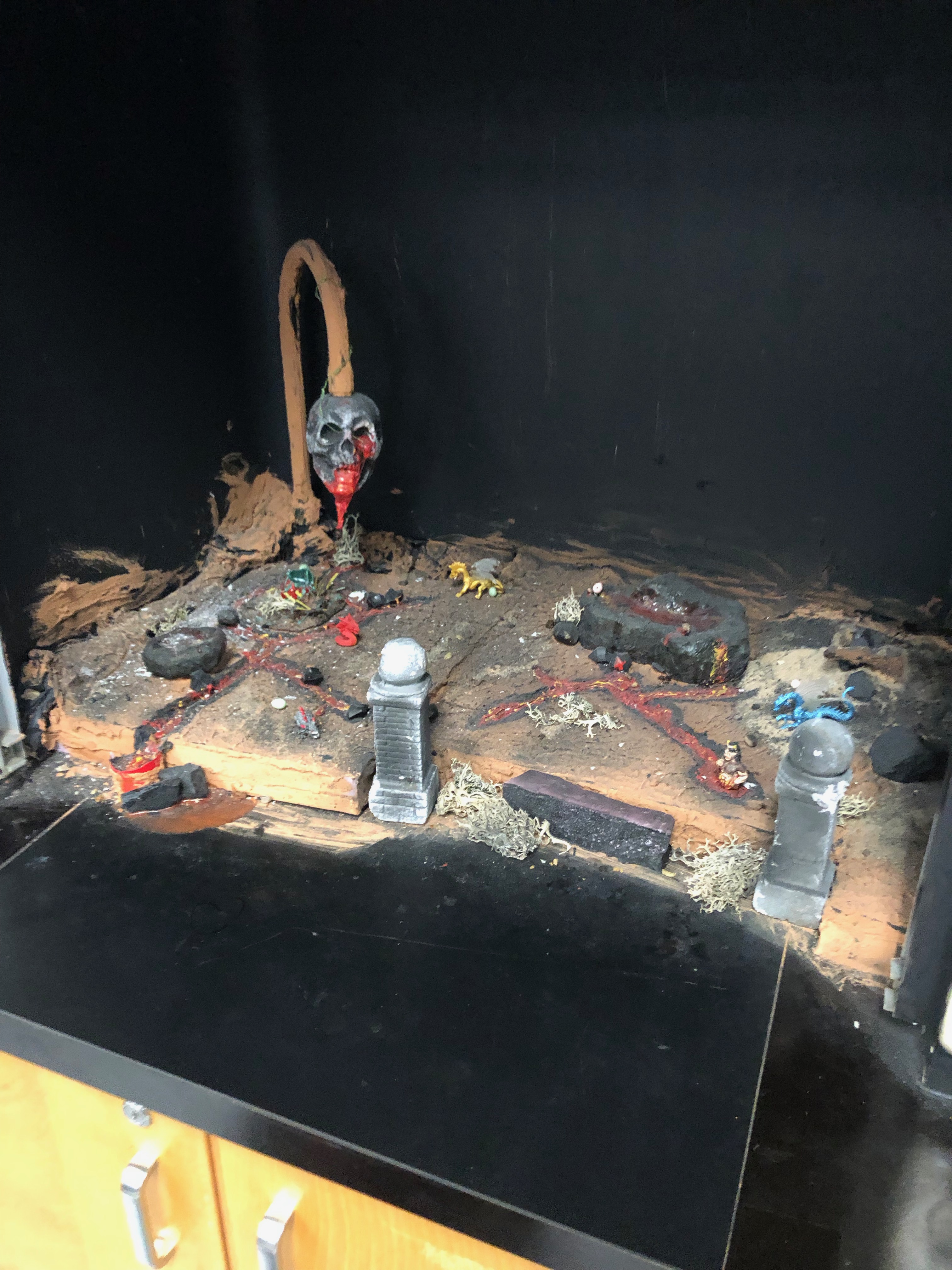
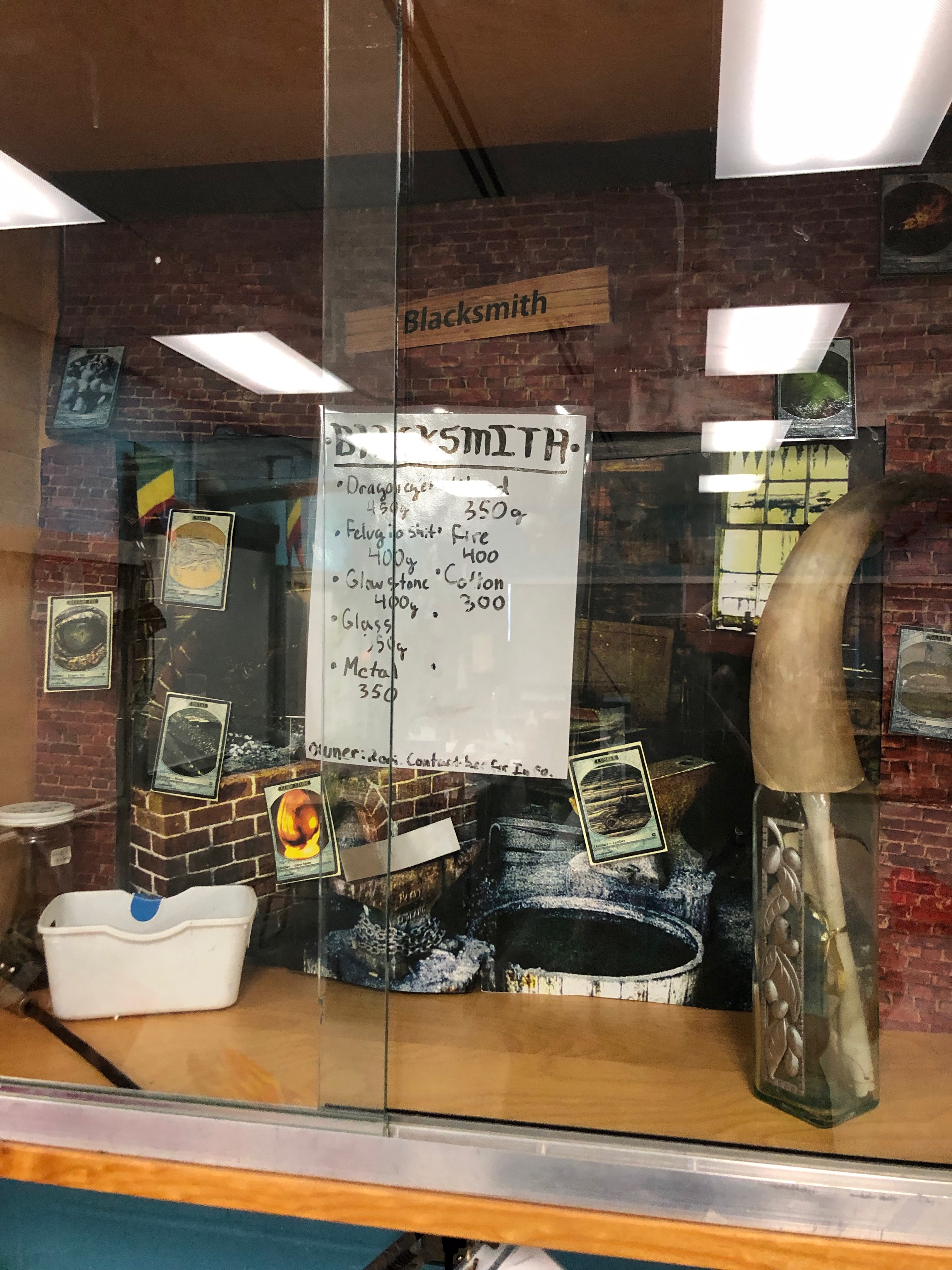
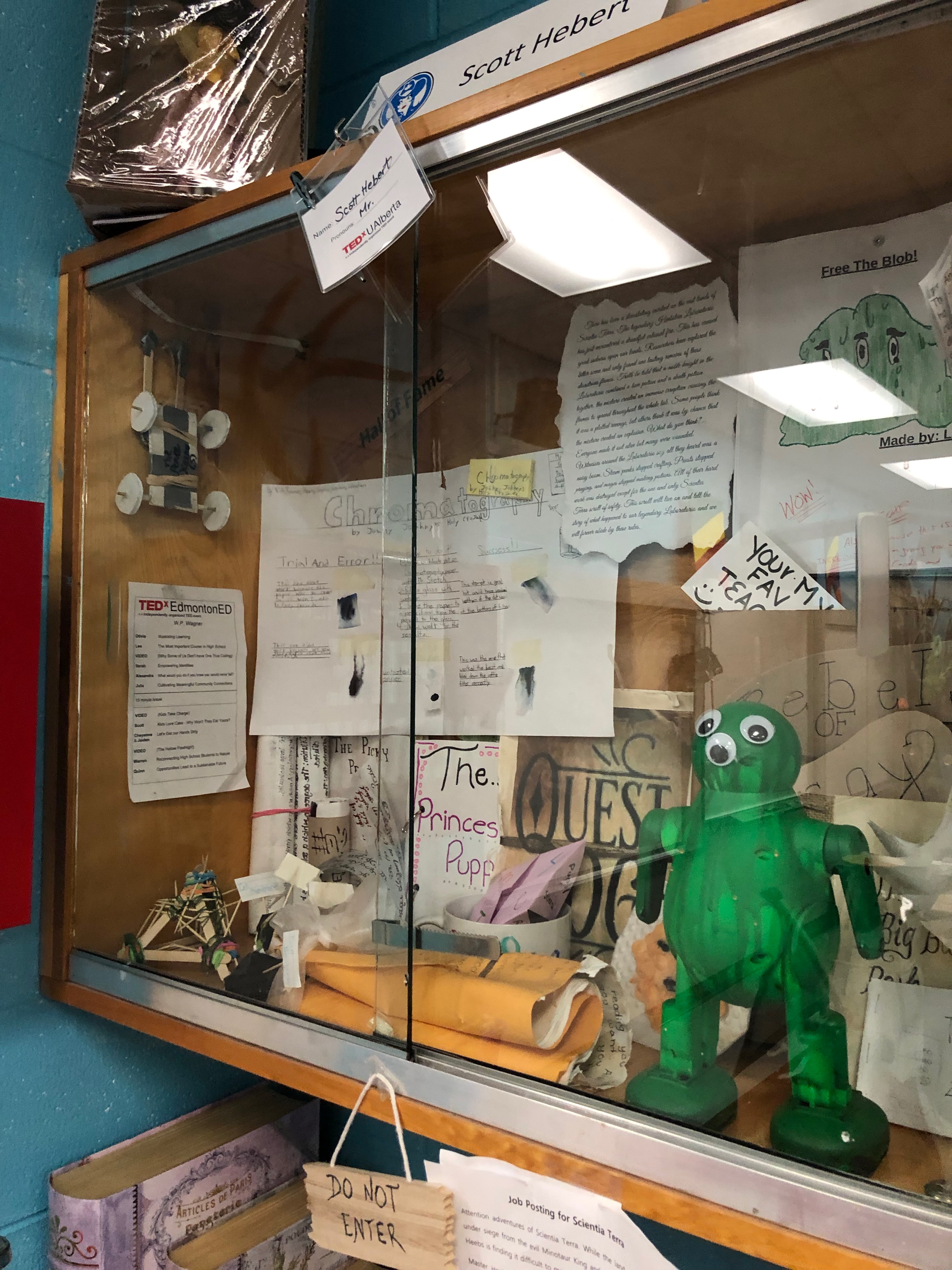
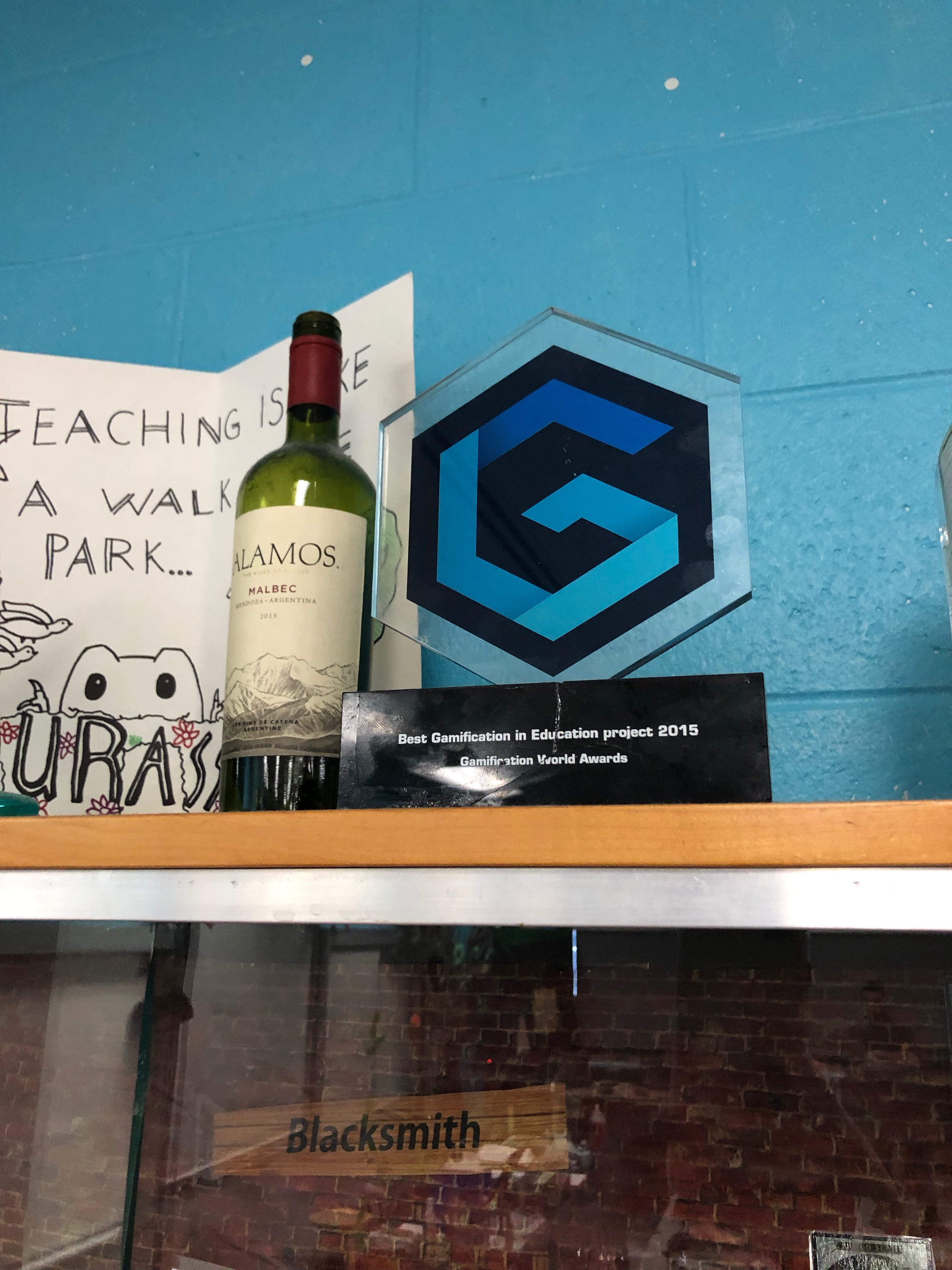
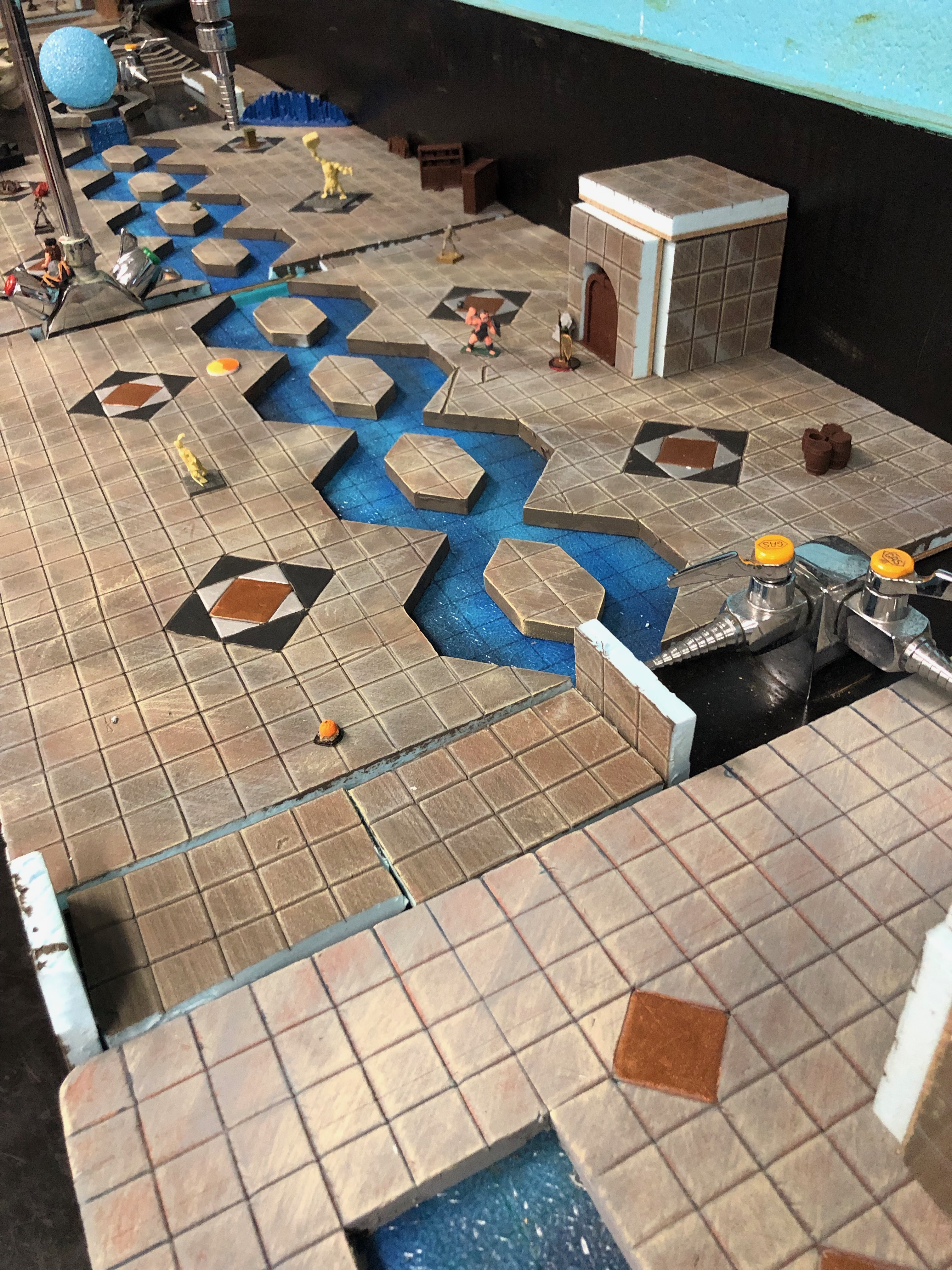
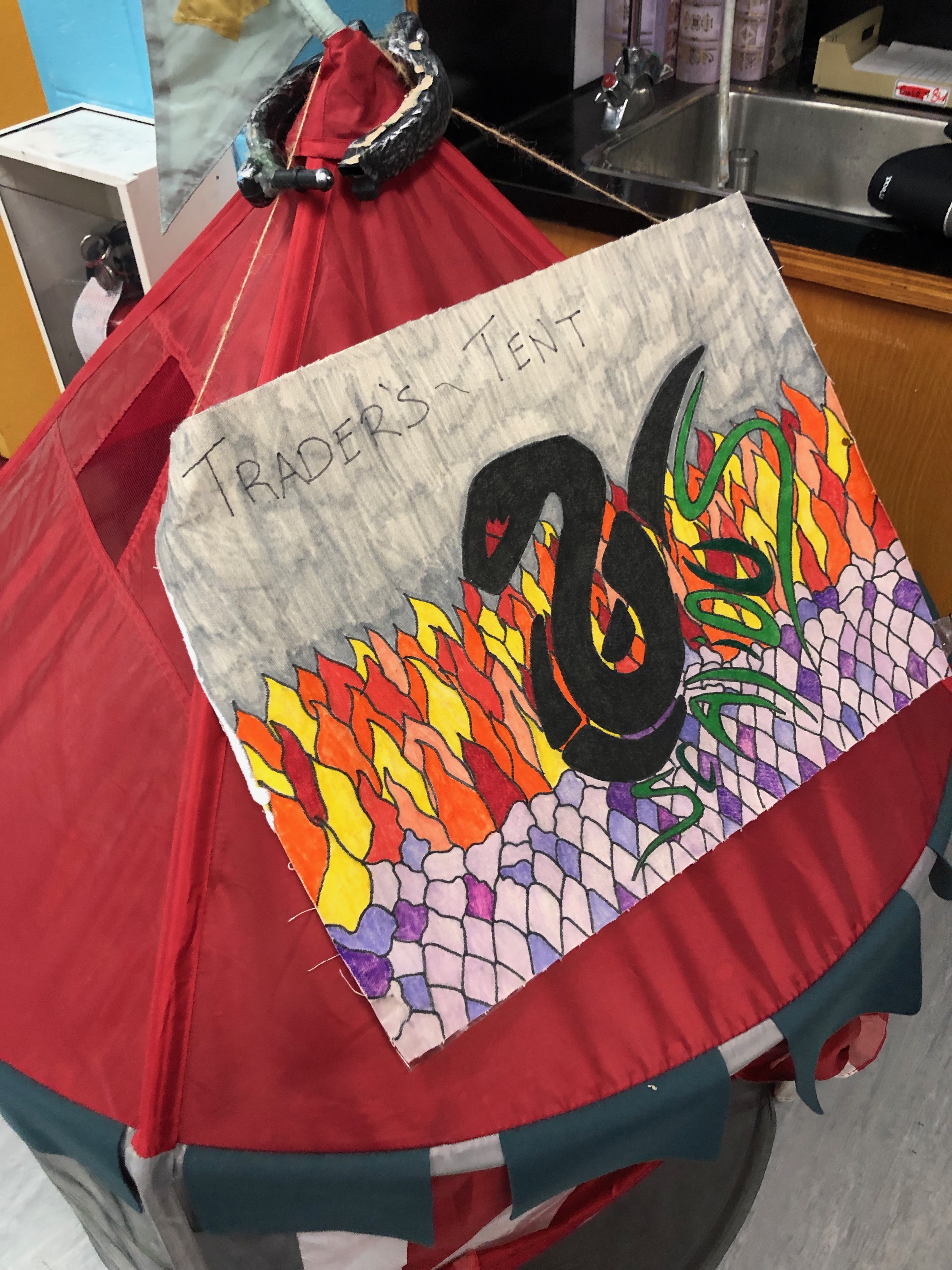
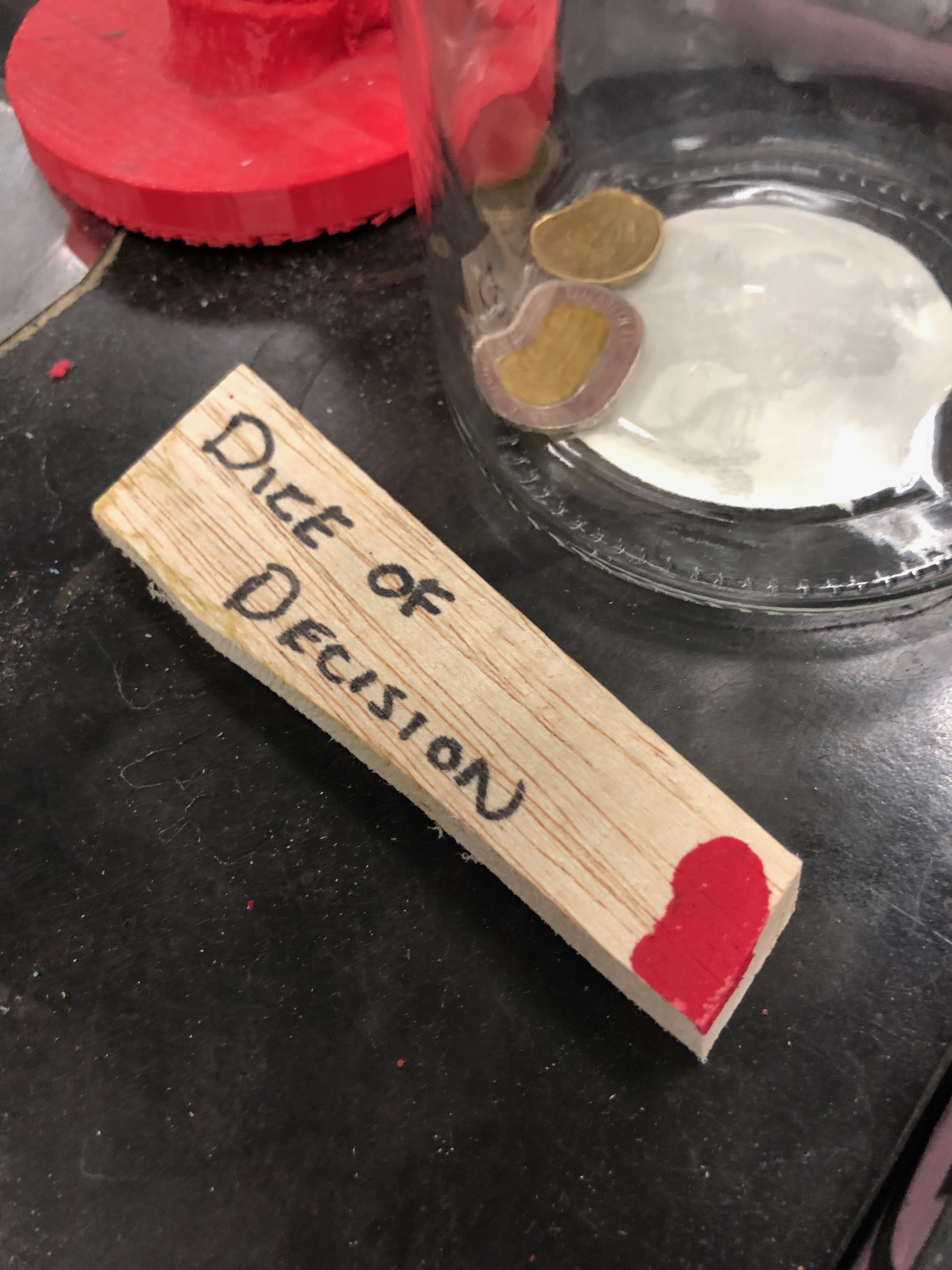
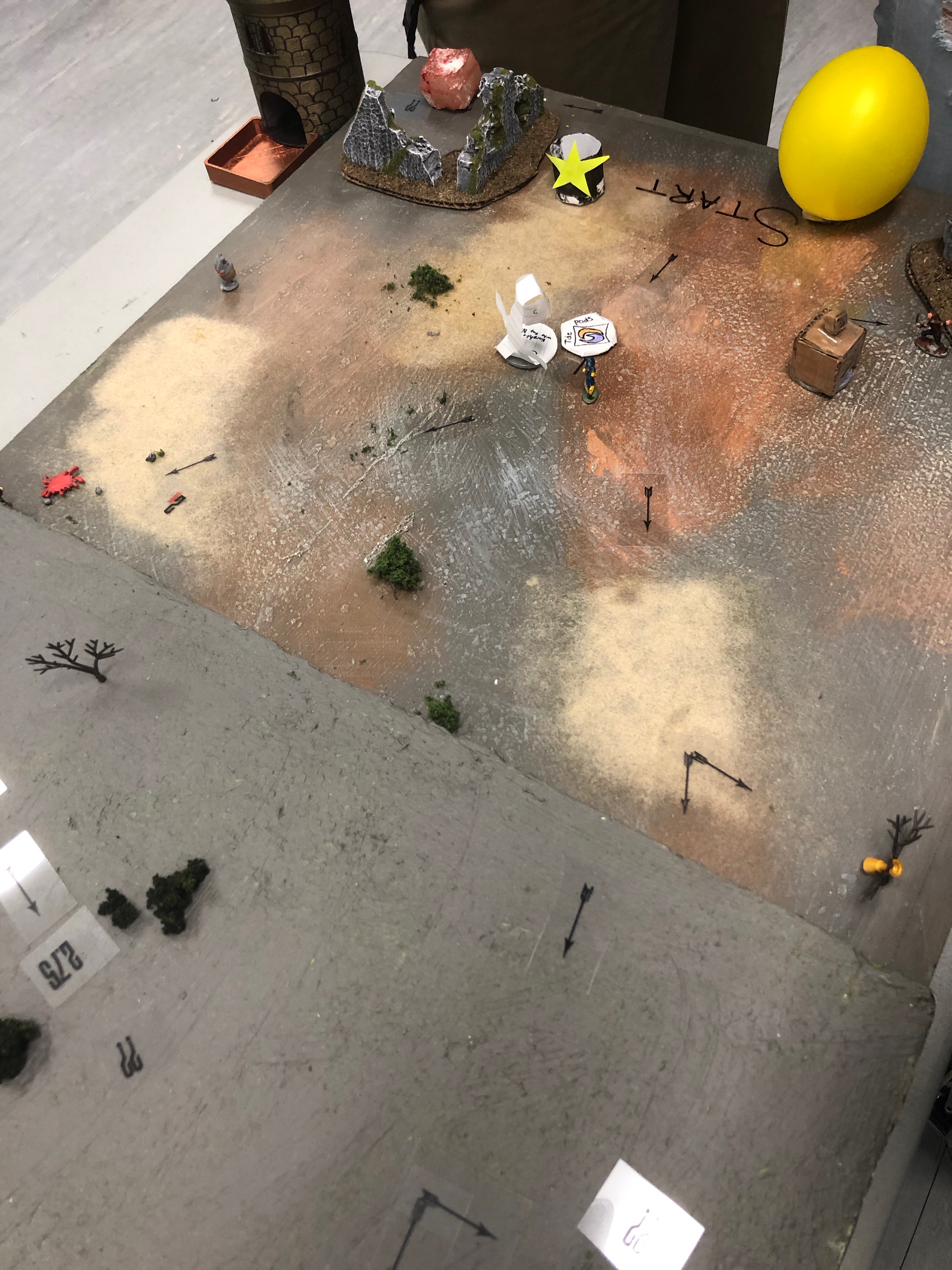
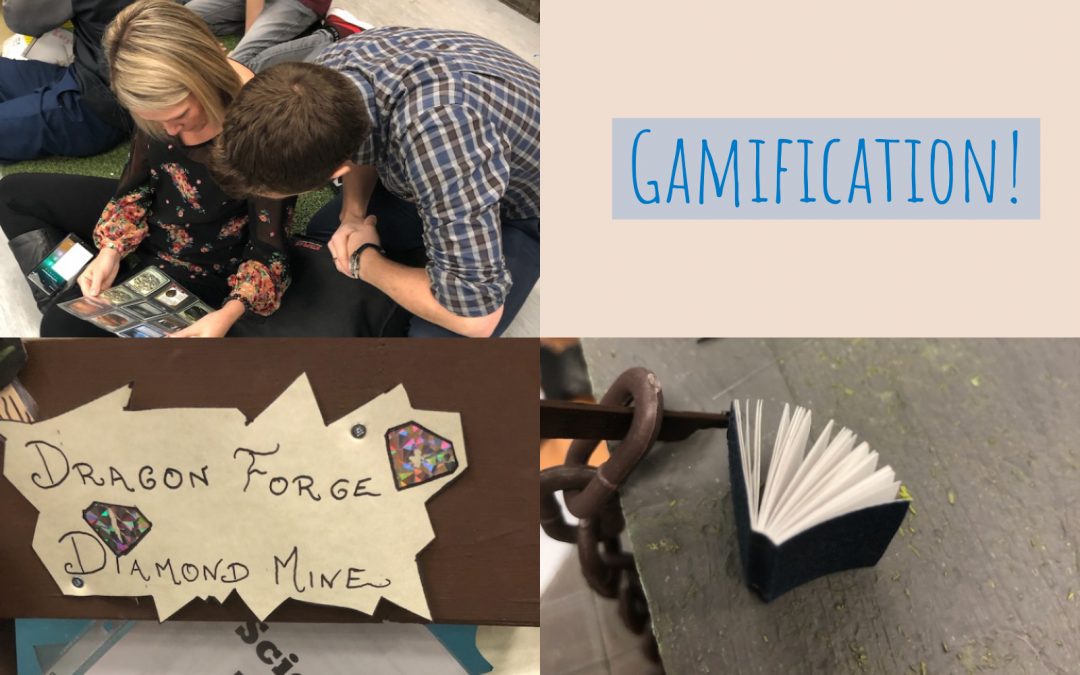
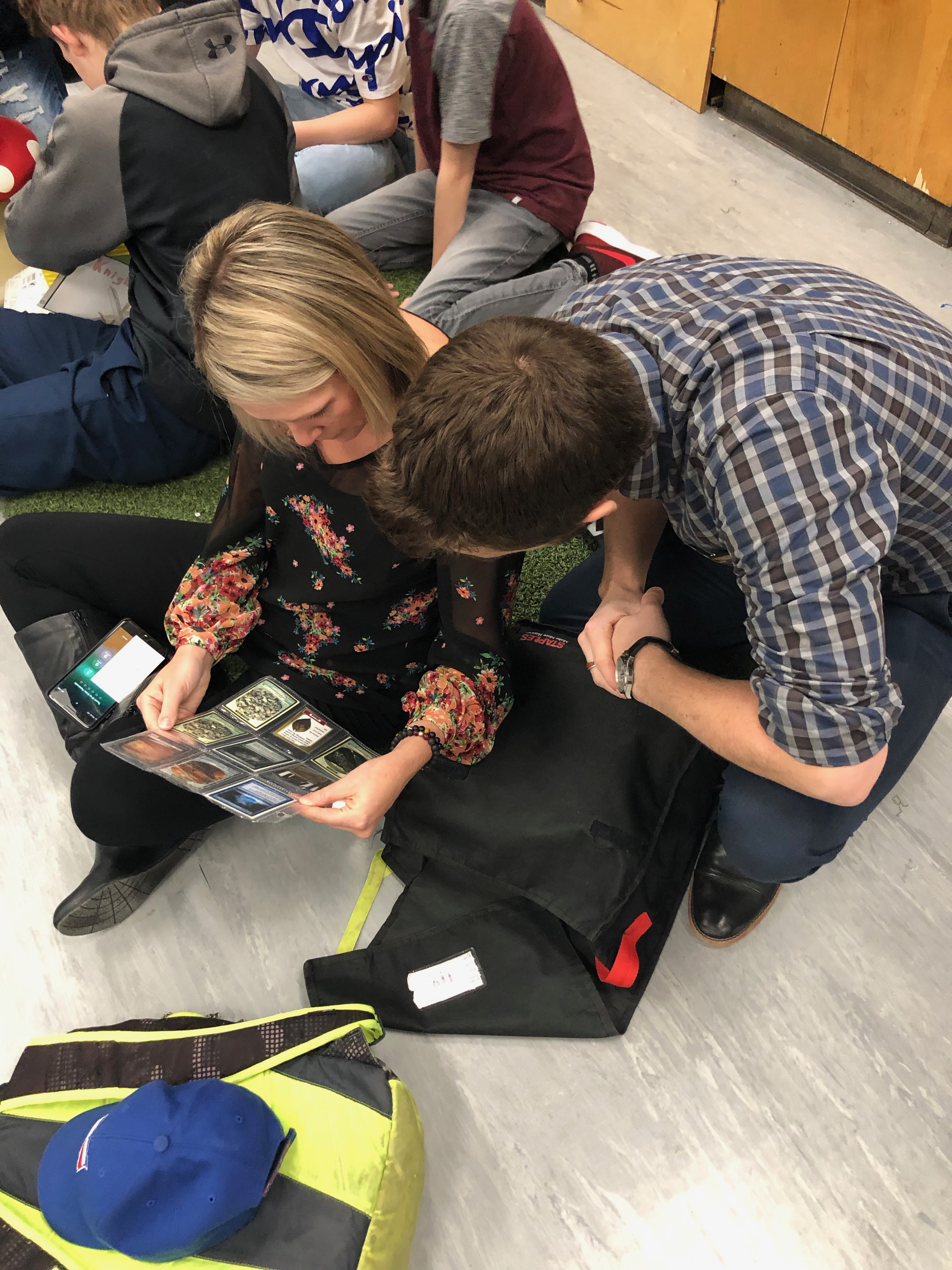
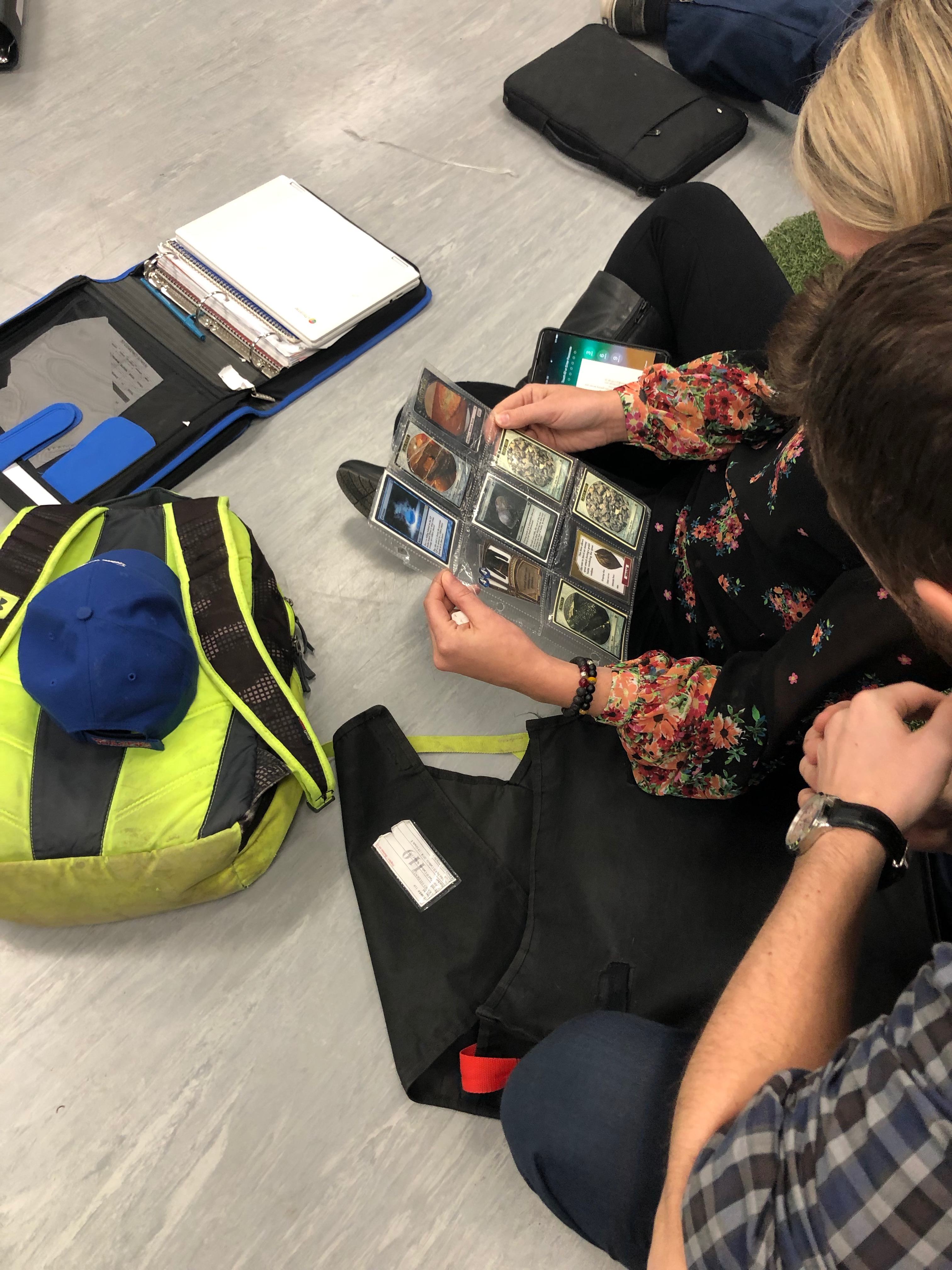
On March 11, a small group of educators from CESD took a professional field trip to Fort Saskatchewan to visit the classroom of Scott Hebert (@MrHebertPE ) to witness an imagination-filled gamified classroom – a game that Mr. Hebert (Master Heebs in game) has invented to suit his own classroom. The majority of items in Mr. Hebert’s classroom have been created by hand, from his own imagination and at minimal cost. In terms of classroom engagement – Wow!! The story of Scientia Terra has his students working (call it playing – it sounds so much more pleasant!) and learning. Scott is very active on social media, he facilitates excellent conversations on Twitter, his YouTube channel is very active, and he’s even done a TED talk about it!!

If you’re interested, please check out his online resources (including the books he has written) as you will see much more. We’ve posted only photos that do not include students for privacy protection. Scott has permission to show much more than we can!


Free Math, LA, Science Resource

Free Math, LA, Science Resource

The CK-12 Foundation is a California-based non-profit organization whose stated mission is to reduce the cost of, and increase access to, K-12 education in the United States and abroad. CK-12 provides free and customizable K-12 open educational resources aligned to state curriculum standards. The resource they have assembled online is phenomenal.

Their service comes up anytime one googles “online textbook”, and as such, teachers are likely to find some excellent content to overhaul or extend exsiting assignments and textbooks already being used.

Insert a Page Break – New Feature in Google Docs

Insert a Page Break – New Feature in Google Docs

As has been mentioned previously, one of the great things about Google is that when a new feature is rolled out, you immediately have access to the new tool(s) without having to pay any money, update any software, or troubleshoot anything. It just becomes availabe to you. 

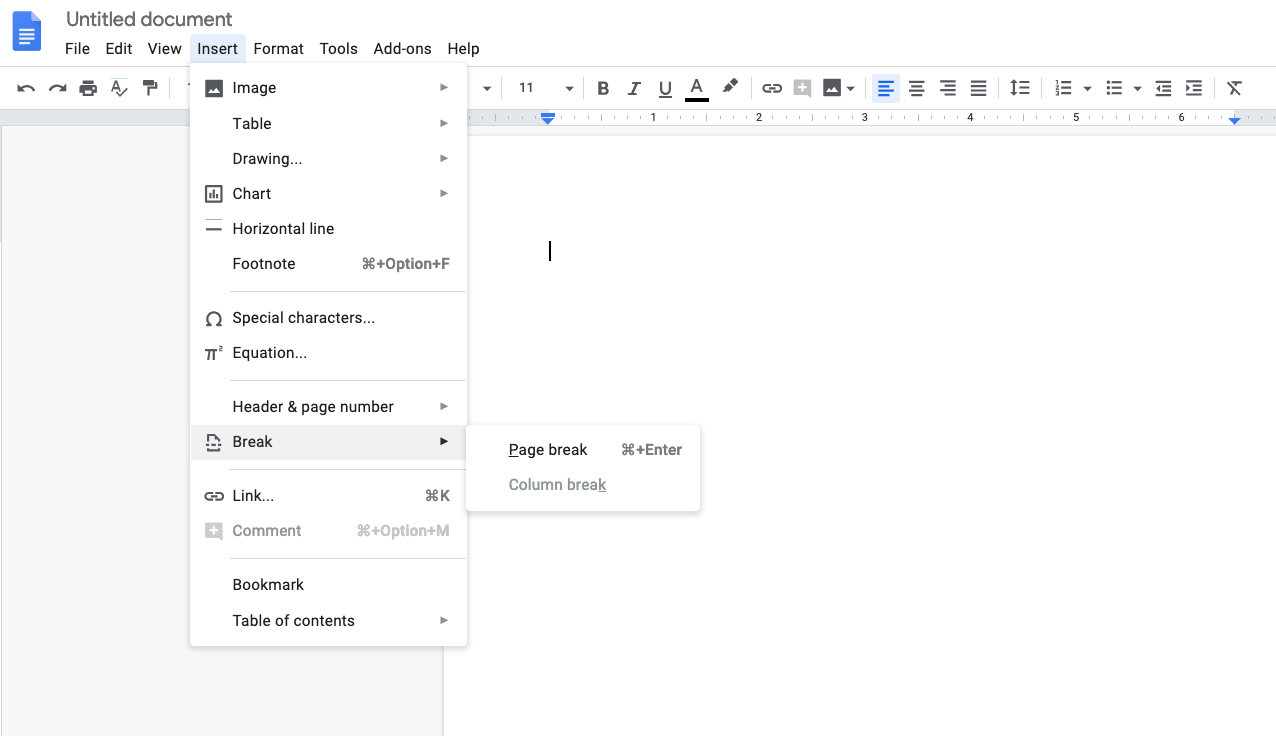
So, recently new in Google Docs is the ability to insert a page break. The image below illustrates for you how to access this much needed feature!

Overnight, Automatic Notebook File Conversion

Overnight, Automatic Notebook File Conversion

Overnight, Automatic Notebook File Conversion

In an effort to ease the stress on teachers to convert their .notebook files to .pdf files (animation is lost, but content preserved), Myles in the CESD technology department wrote a script (aka program) to automate this process. Instead of YOU converting your files, you put them in a folder and they will be converted through the night. To access this amazing tool, you’ll need to do the following:

  1. Dig out your old windows laptop and dust it off.
  2. Boot it up, and go grab a coffee. Try to maintain your patience while it boots up, the old sack of silicon chips and circuits is now in its senior years.
  3. When eventually it’s ready to cooperate, click on the start button
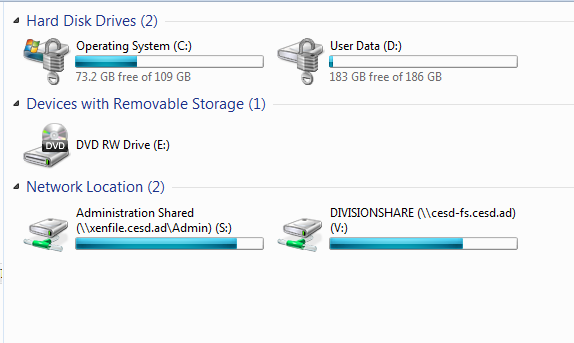
  4. Open Computer

The folder you are looking for is called DIVISIONSHARE.

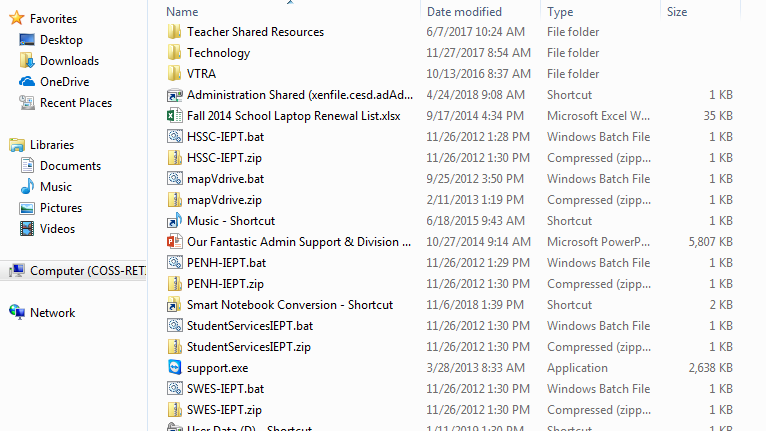
5. Open it, and you’ll see a bunch more files.
6. Scroll down the list of files – you’re looking for a shortcut. It’s named “Smart Notebook Conversion”

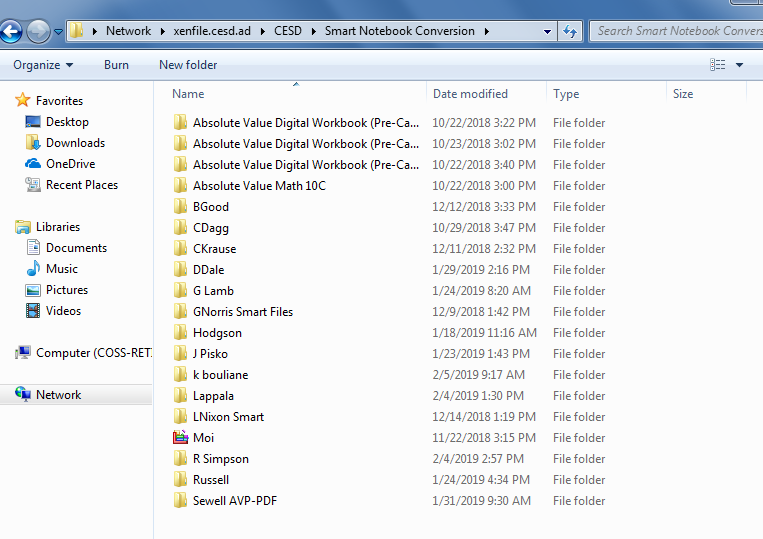
7. Double click that shortcut and you’ll see a list of folders that other CESD teachers have created.

8. Create a folder with your name.
9. Drag any SMART files you’d like to have as .pdf files for future use into your folder.
10. Go home for the night.
11. Have a nice supper.
12. Spend time with your family.
13. Walk the dog.
14. Watch some TV, or play a game, do a puzzle or read a book.
15. Relax.
16. Go to bed. Sleep well.
17. In the morning when you go to work, open that folder with your name on it and drag your .pdf files out of it.
18. Load your .pdf files into your Google Drive.
19. If you wish to, pick up a flash drive or external hard drive and save all your files – notebook, word, excel, pdf, jpegs onto it and toss it in the bottom drawer of your desk. You never know if a few months from now someone will have written a Chrome extension that can read a .notebook file (whoever does it could make themselves very rich – GSuite is the new platform for Ed Tech entrepreneurs, and the resources are increasing daily!)

Coding Resources

Coding Resources

There are many ways to approach coding with young people. And the good news is that you don’t need to be a coder. You don’t actually even need to know anything about coding to expose the students in your class. You can learn right alongside your students! Or, you can take a step back and allow your students to work through a few exercises independently with encouragement given to them to synergize, collaborate and help one another out

…in no particular order (though I tried to sort them from easiest to harder)