Intro and Outro Videos for Christmas Concerts

Intro and Outro Videos for Christmas Concerts

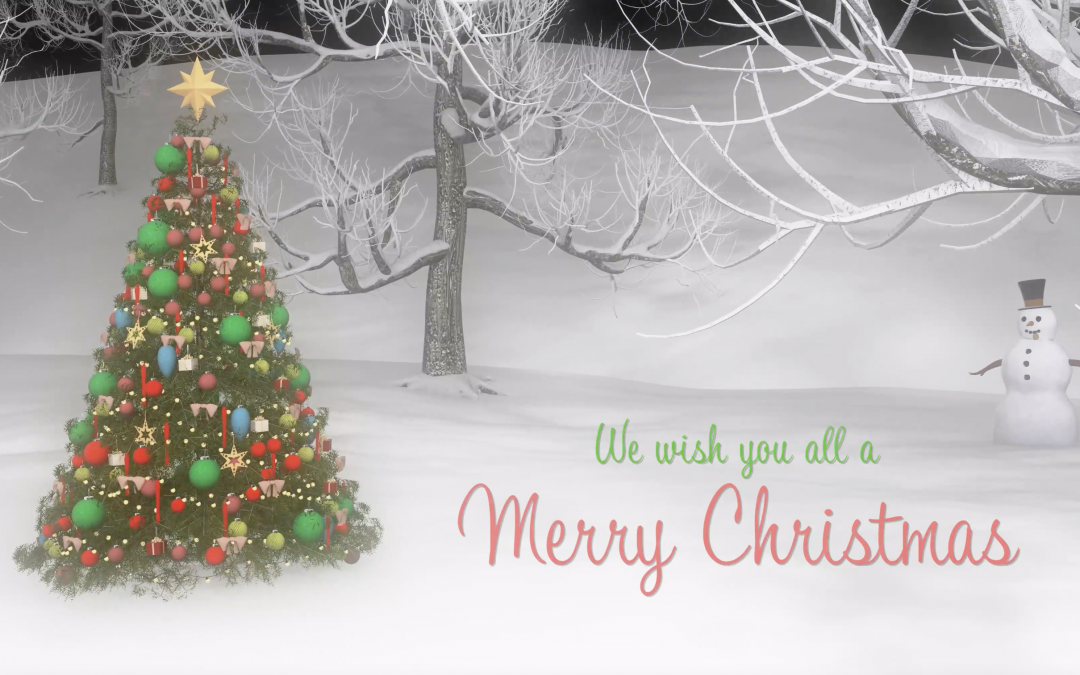
To try to help your December run a little more smoothly, I have built a selection of video intros and outros that schools can use for their Covid Christmas Concerts and other December activities that need to be pre-recorded in light of the current provincial restrictions. 

To the left are a couple samples, but there are a few more in this Google Drive folder. Most of the intro/outro files have space where you can put your school’s name or logo onto the video using your preferred video editing application.
MBot for the Classroom

MBot for the Classroom

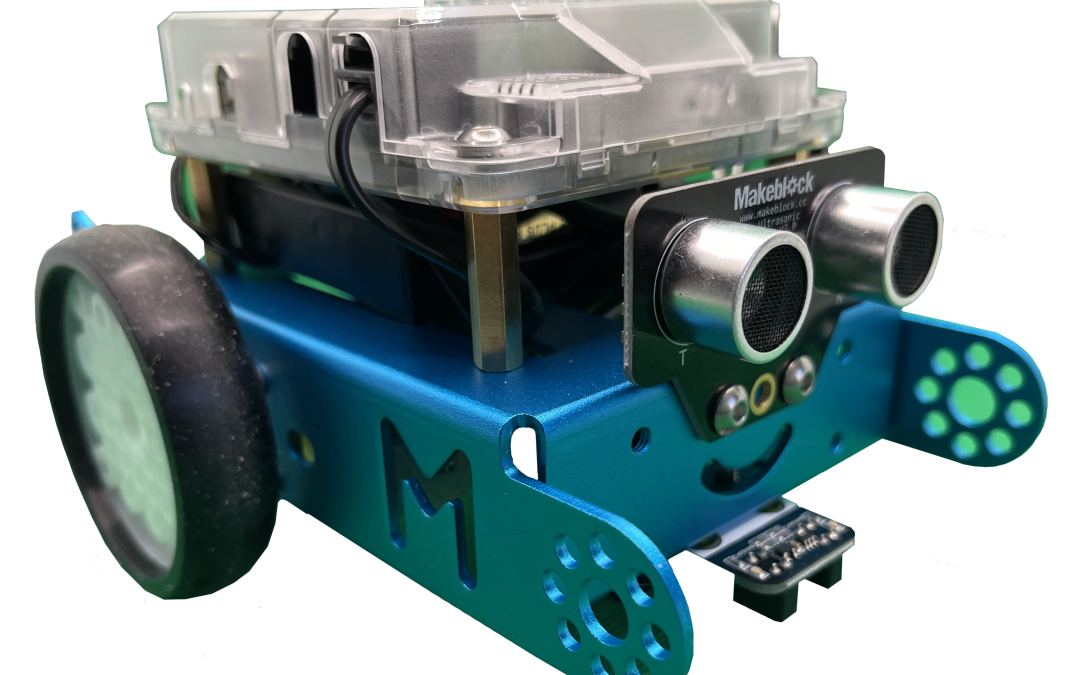
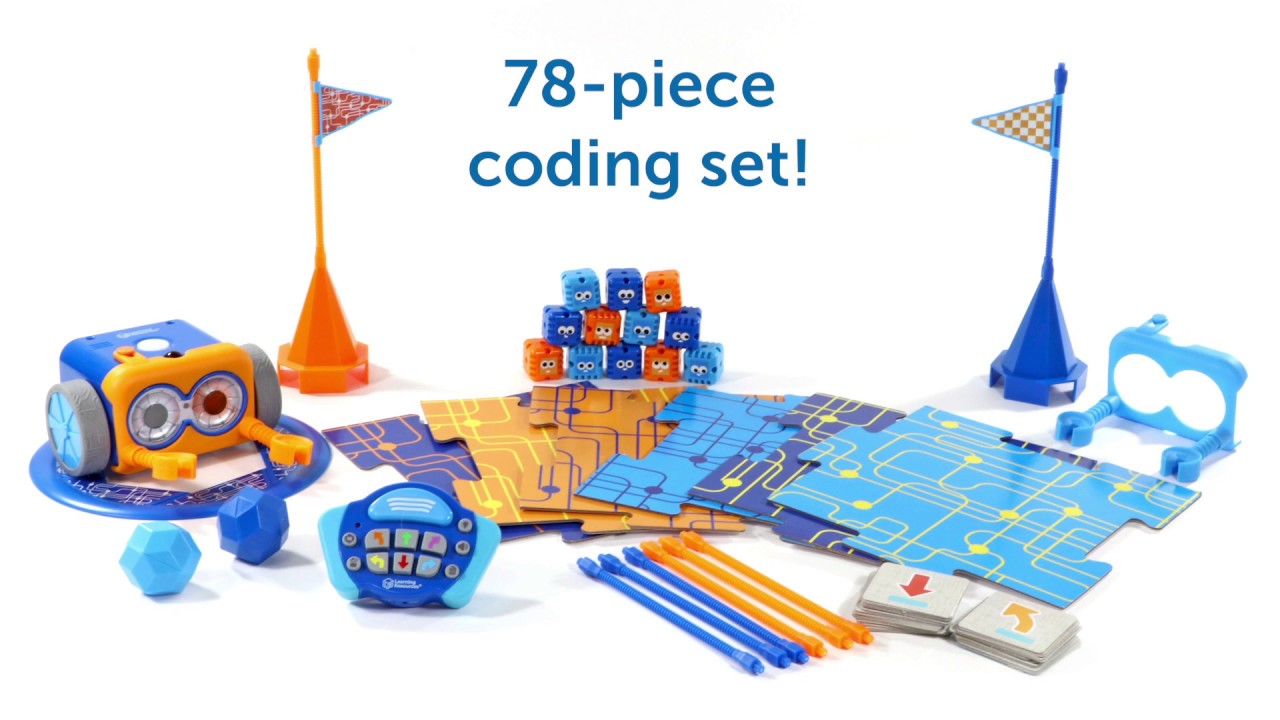
The MBot is an engaging robot that can be used with beginning coders, and expands to be a great resource for more advanced coders as well.

The MBot is more fragile than some of the robots that were designed for younger children, so extra care is needed for these robots.  When programming the MBot, it is best to lay the MBot on its back, or put something under it that takes its tires off the desk; if it drives off a student’s desk, it will break something – likely one of the motors that power the wheels!!

To use MBot with a Chromebook, you will need to install the mLink extension to your profile and your students’ profiles.

Dot & Dash for the Classroom

Dot & Dash for the Classroom

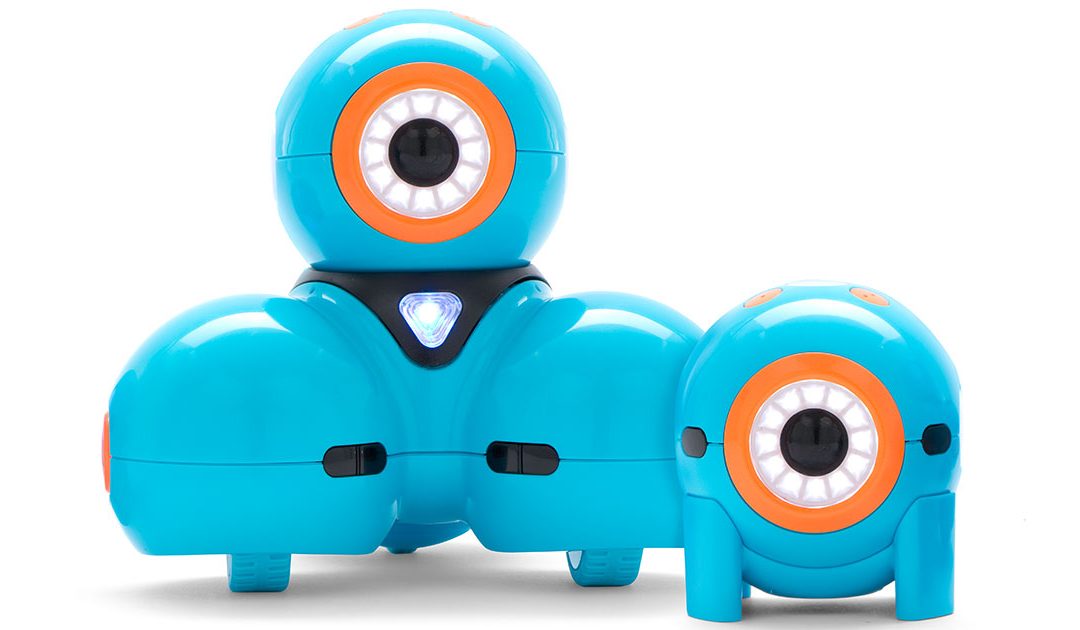
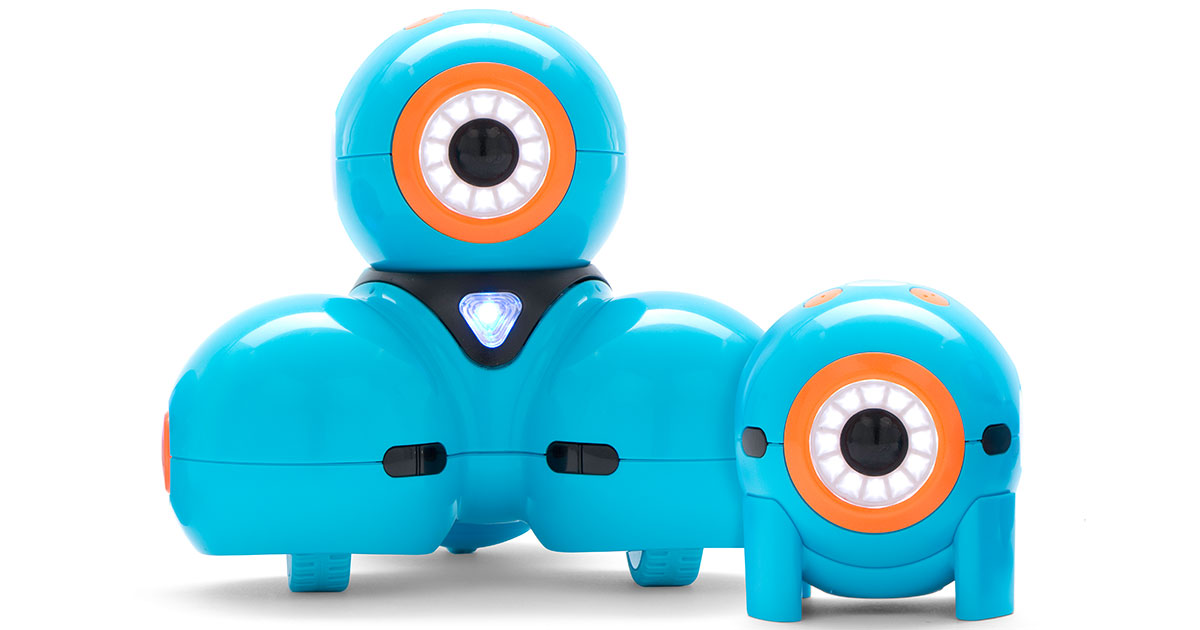
In January 2020 we added a class set of Dot & Dash coding robots to the IMC.  Since their arrival, they have been booked solid.  These robots are fantastic classroom robots for a few reasons, not the least of which is that they are endearing.  If they are switched on, their eyes blink, they make occasional quiet sounds, and give the coder a sense of “aliveness” to the robot.  Dot (the small one) and Dash are great in classrooms because they are durable, they don’t have small/breakable parts, and the kit has allt he accessories including the xylophone and ball launcher! Here is a visual of what is in each of the 9 Dot & Dash robot sets contained in our IMC kit.

We have also purchased the Dot and Dash Curriculum book to accompany this set in the IMC, and encourage teachers to search for lessons online – Pinterest has thousands of resources catalogued.

Additionally, we have digital resources to offer teachers.

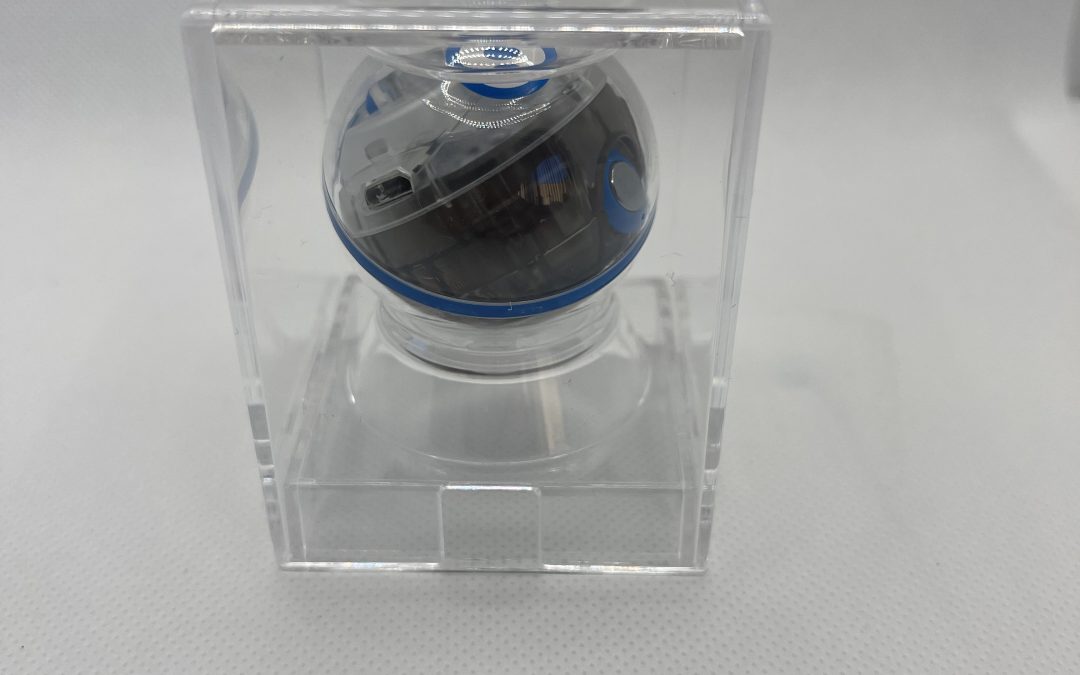
Sphero Bolt for the Classroom

Sphero Bolt for the Classroom

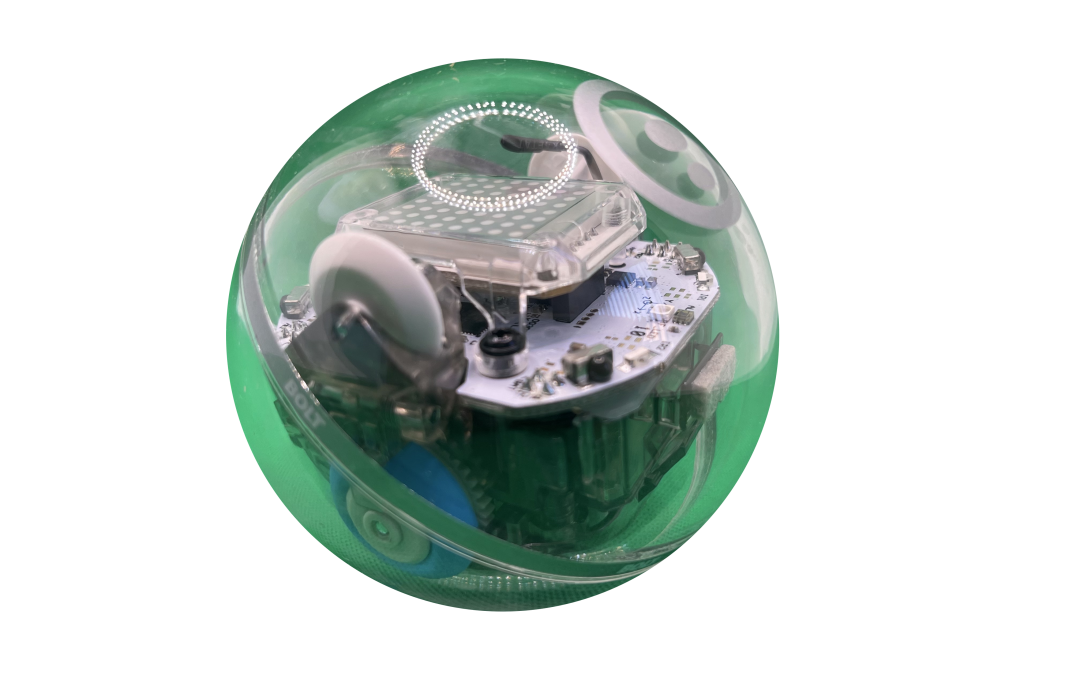
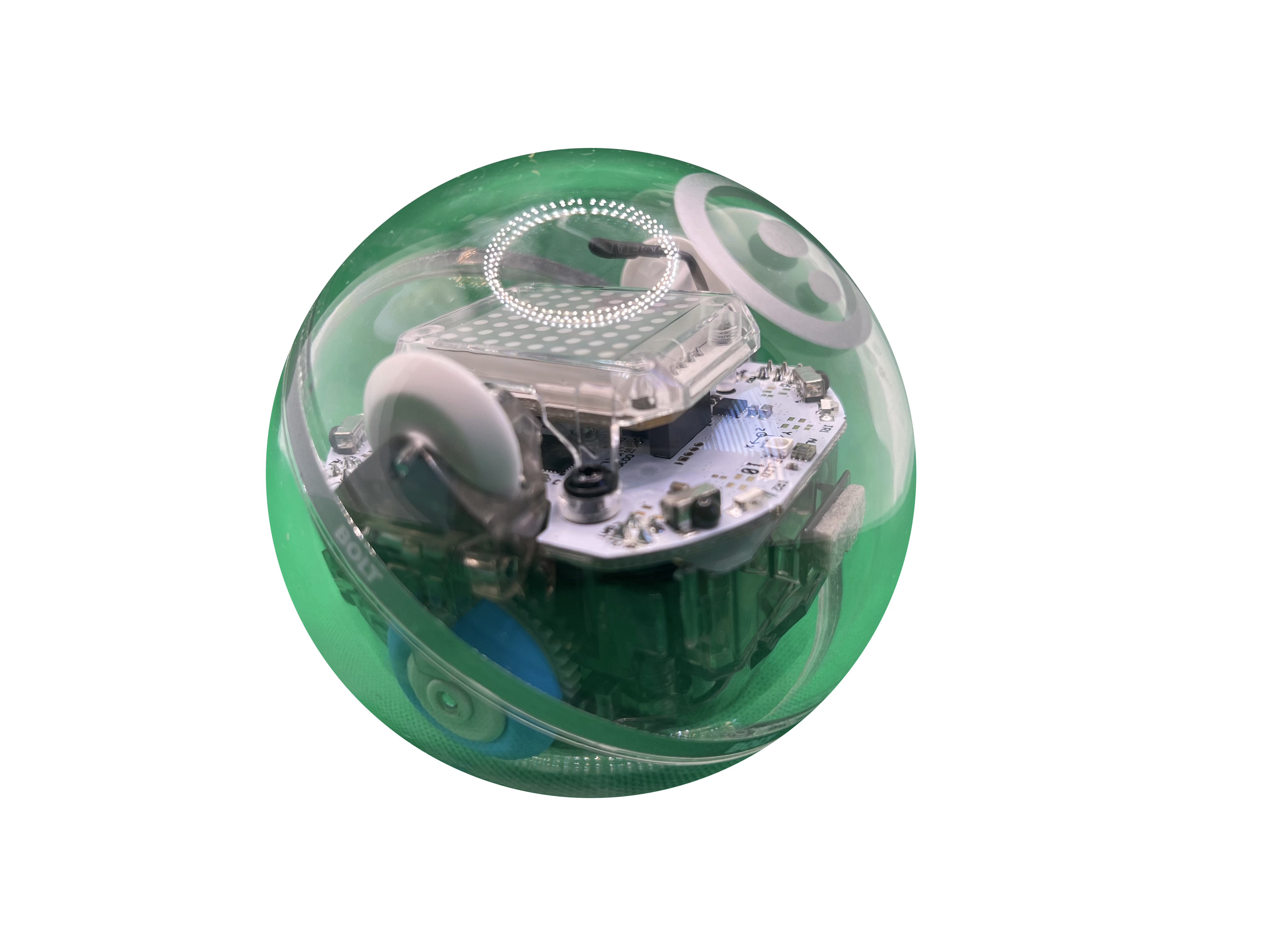
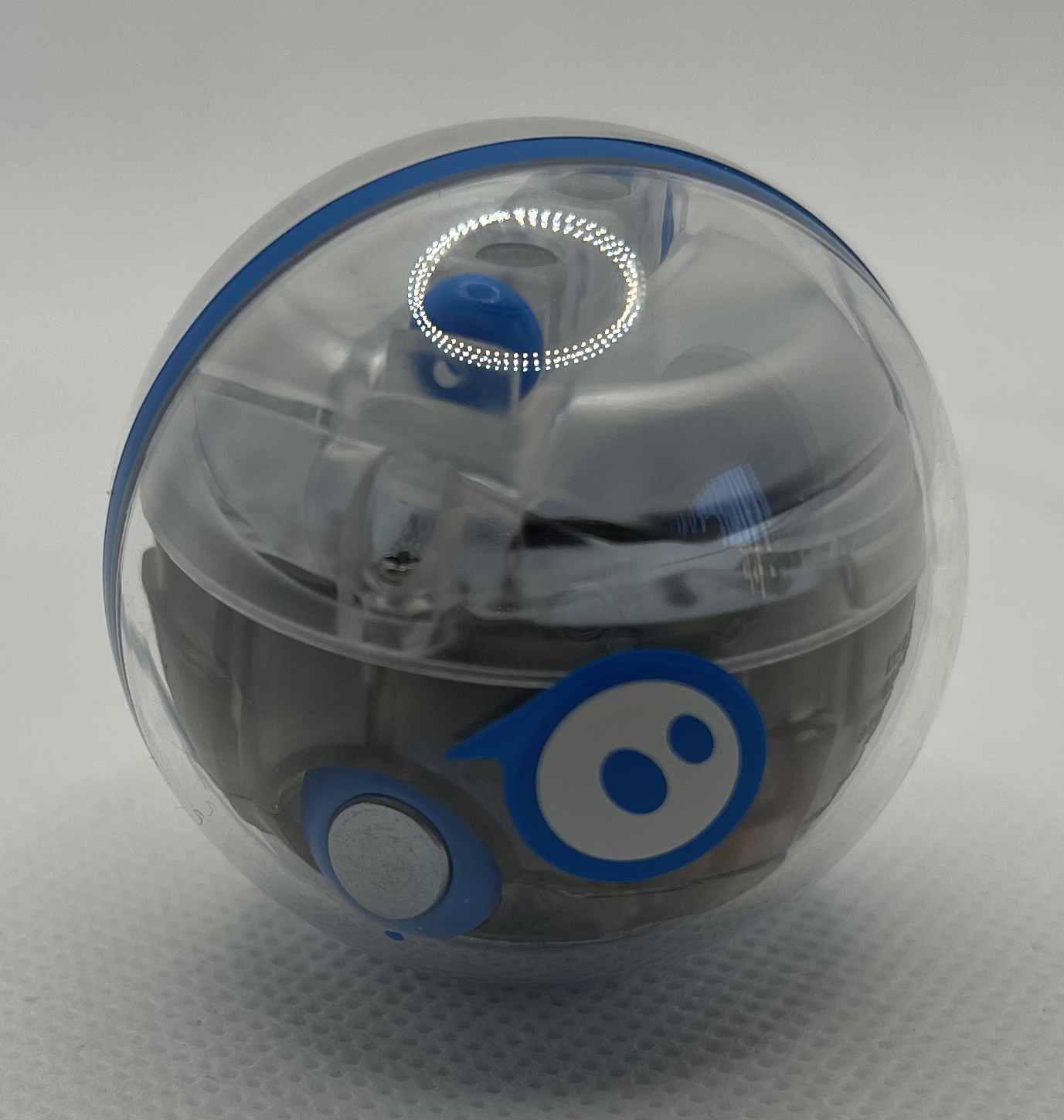
The Sphero Bolt is Sphero’s most widely used in-school robot. This robot is larger than the Sphero Mini, and would be described as feeling around the same size as a baseball when held in one’s hand.  Bolt’s programmable sensors include a gyroscope, accelerometer, motor encoders, infrared communications and a light sensor.  The built-in compass lets users automatically aim and drive the robot.

Sphero has a huge library of educational resources for all levels of coding skill to use in conjunction with the Sphero Bolt. Additionally, their home-learning guide is a great place for adults to get started with this fun robot!

What’s in the Box? – Unboxing the Sphero Bolt

Sphero Mini for the Classroom

Sphero Mini for the Classroom

The Sphero mini is the little sibling of the classic Sphero. These spherical robots are easy to use, and fun to play with; a genuine favourite of kids!  They are a great introductory robot for all ages and all coding skill levels.  Though they are small, there is a gyroscope, accelerometer and LED lights inside this small ball. The Sphero Mini can be used in drive mode, through draw coding and through block-based coding.

This hyper-linked chart of activities and learner progression will ensure that tasks assigined in classrooms are feasible for the level of coding of the students.

The Sphero At Home Guide is a great place for teachers (and parents, of course) to start their learning!

Additionally the Sphero Mini At Home Challenge Cards and the Sphero Mini At Home Play Cards offer immediate activities to get excited kids started!

What’s in the Box? – Sphero Mini