
Flat for Google
Flat is an excellent music notation editor that works directly with GSuite. You install it from the Chrome store into your Chrome account and you will have a sheet music editor that allows for collaborative editing and creation.

Flat is an excellent music notation editor that works directly with GSuite. You install it from the Chrome store into your Chrome account and you will have a sheet music editor that allows for collaborative editing and creation.

Though the site is not very visually appealing, it contains a relatively large database of practice questions for Organic Chemistry.
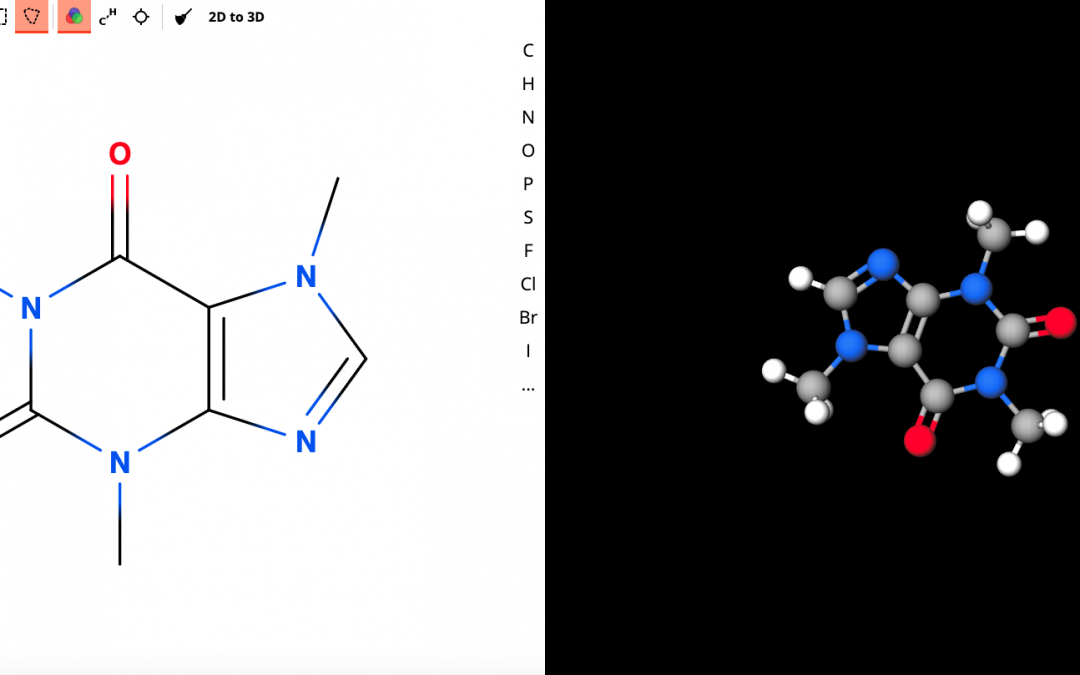
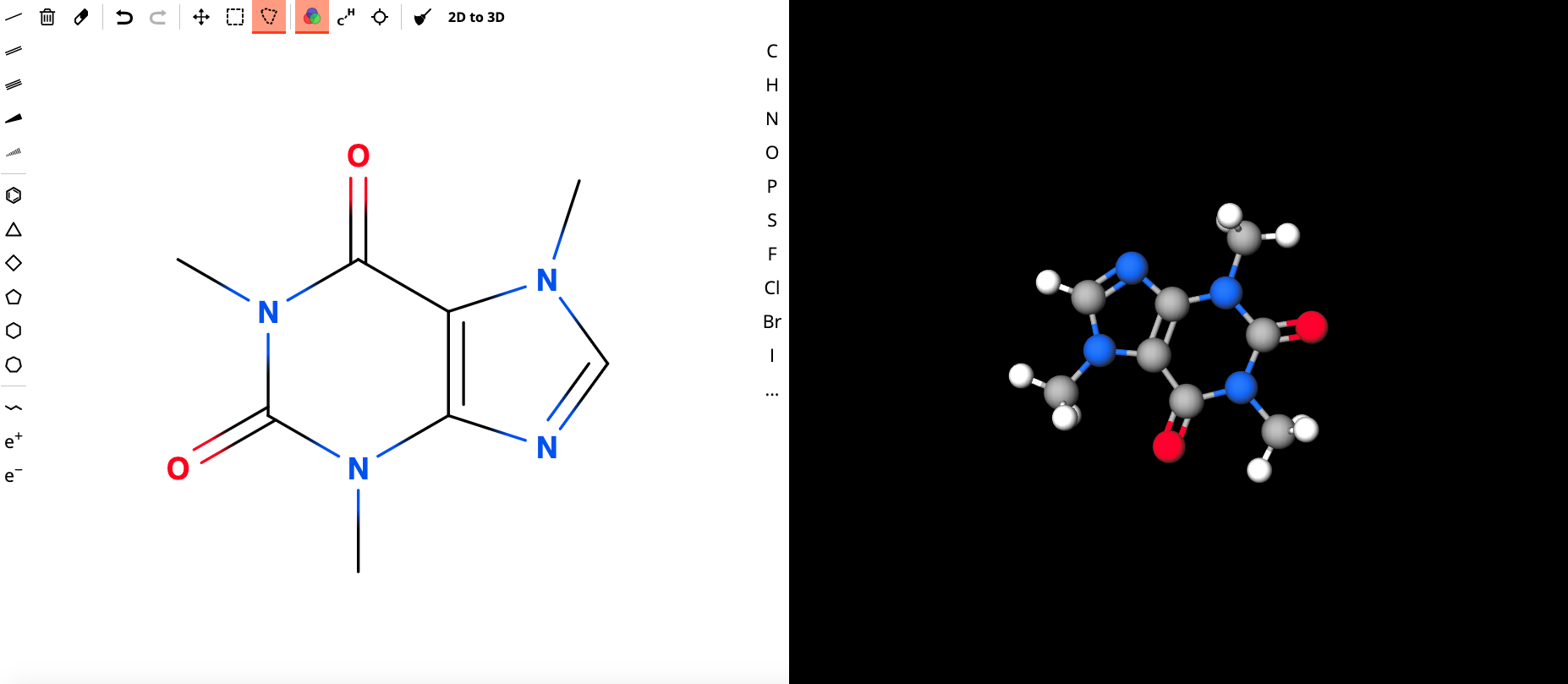
MolView is an open-source, intuitive web-application to make chemistry and biology. This application consists of two main parts, a structural formula editor and a 3D model viewer. User can employ 2D to 3D button to convert a molecule into a 3D model which is then displayed in the viewer.
This site works beautifully on Chromebooks!
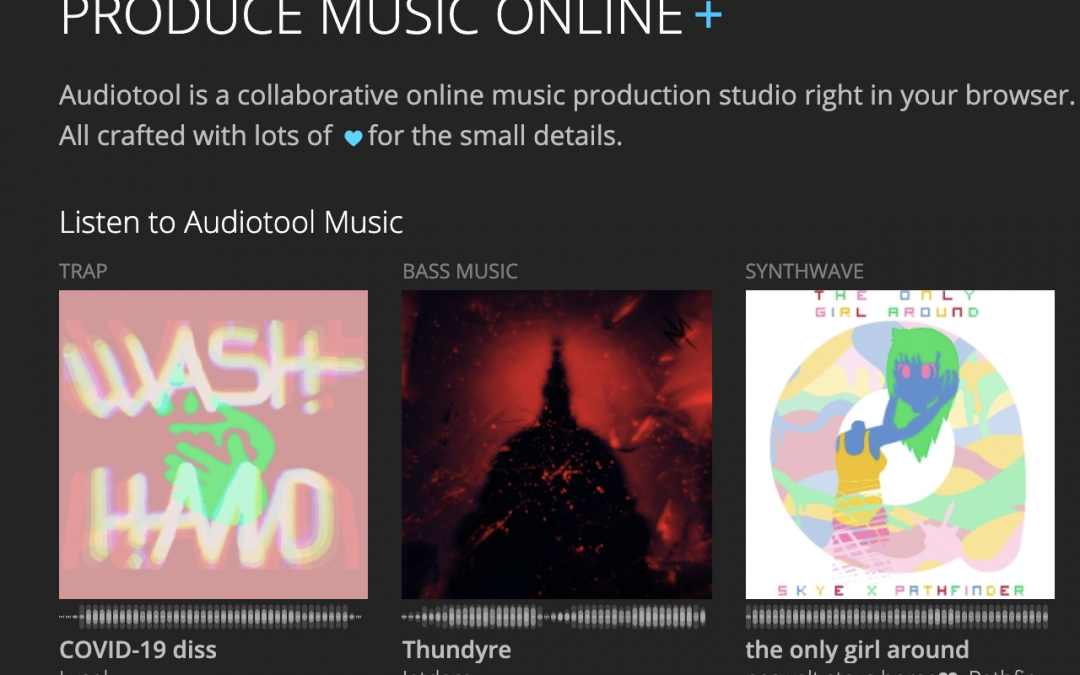
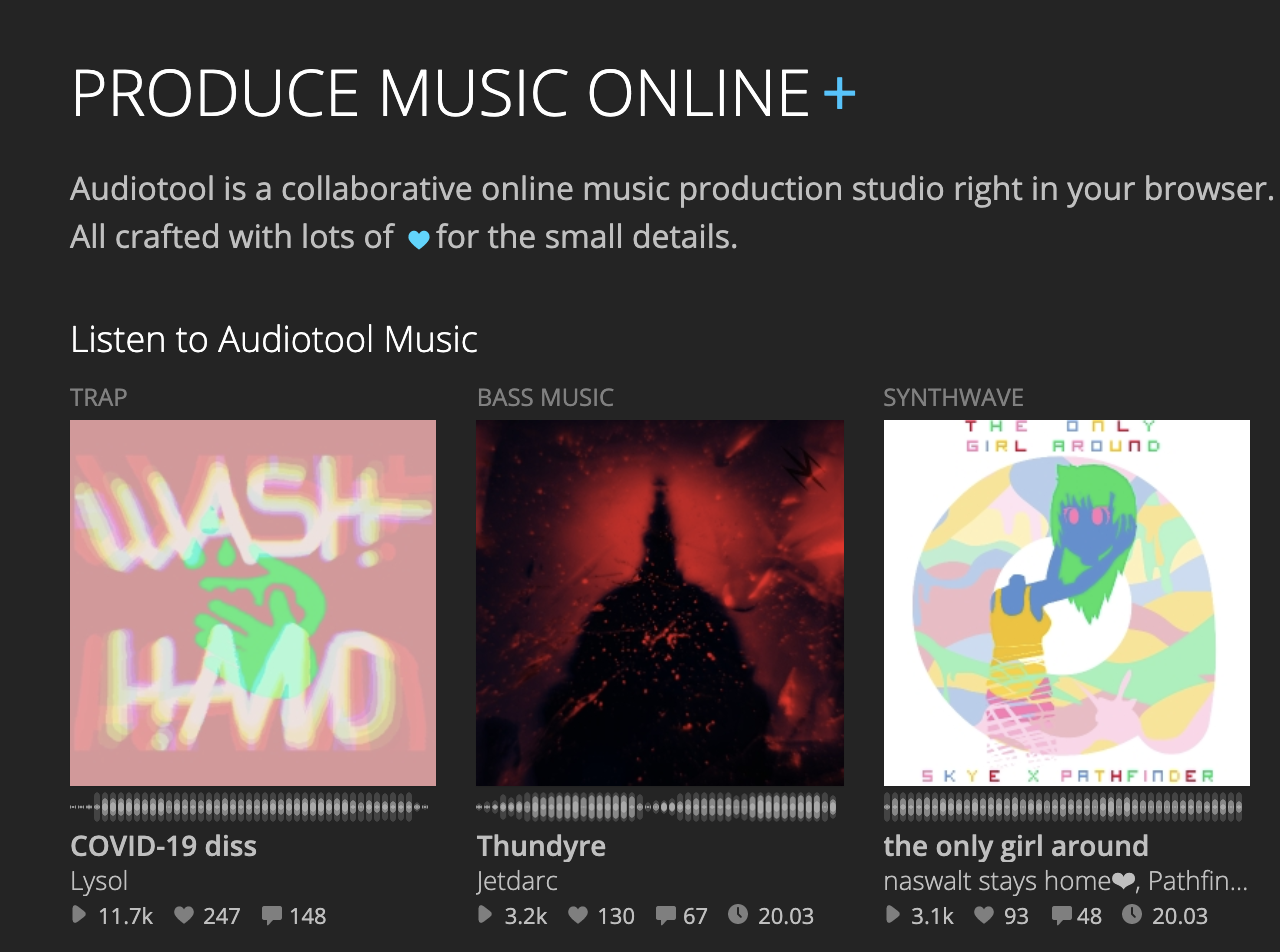
Audiotool is an online music production studio. It is an advanced music mixing space, and is posted here as a tool for teachers as opposed, not as a resource for students. Their privacy policy isn’t quite where we need it to be for student use. Because of the advanced nature of the tool, it would be a very rare circumstance that this tool would be beneficial in the classroom. However, it may be of great value to a music teacher.

Noteflight is a robust application for music teachers. They do offer a free trial, but in order to access this, you must contact the company. Their product prices in at approximately $7 per student, and membership allows the teacher to organize classes, create assignment and gives access to a library of musical scores and lessons. Their site specifically states that their application works on Chromebooks.
Their privacy policy is suitable for use in Canada. They state “The only identifying information collected is on the teacher and the school. All students are assigned unique usernames by the teacher; therefore Noteflight does not collect any personal information on students.” This means that teachers can enter students using false (game) names. An easy way to do this is to use the student’s first name and make their last name your school or town name. For example: Jayden Delburne or Laura Beacon.